Takedown Advantage Assembly

Eight steps from the box to a working dual-sided scoreboard.

Before you start

You’ll need two monitors and a tripod stand, which are not included, plus the hex wrench that comes in the box.

1

Monitor Mounts

The main unit with both monitor mounts and the hex wrench laid out beside it
Attaching the first monitor mount on the right side of the main unit
The right mount attached, and the second mount being attached on the left
Both monitor mounts attached to the main unit
2

HDMI Splitter

Note: part is not designed for repetitive assembly/disassembly. Leave part attached to the main unit.

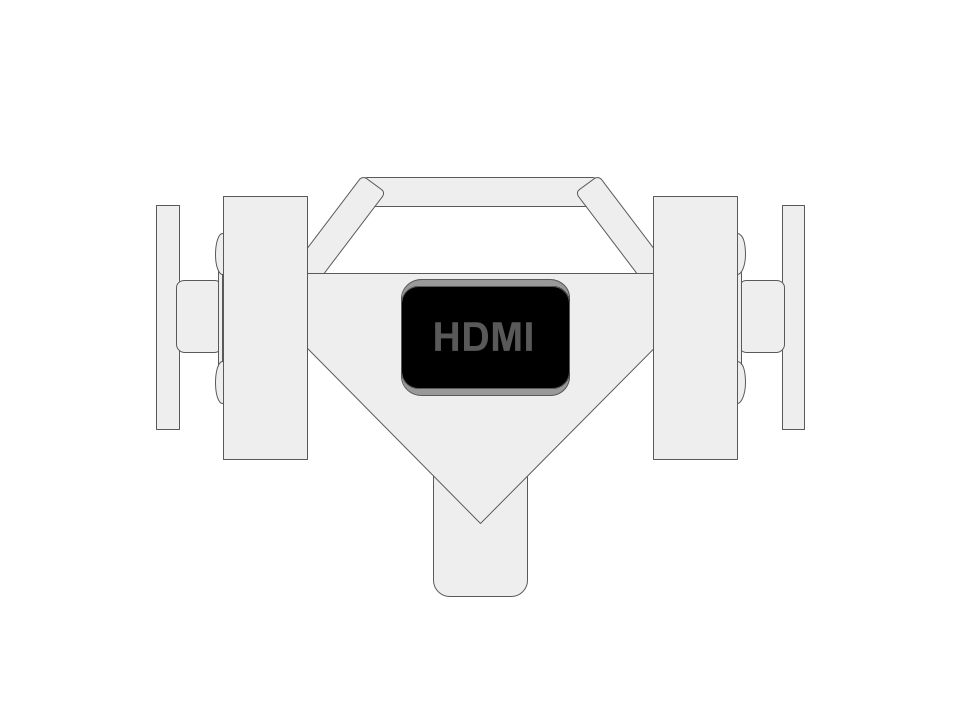
The HDMI splitter and its mounting bracket, marked 2, beside the main unit
Sliding the mounting bracket into its slot on the main unit
The mounting bracket seated on the main unit
The HDMI splitter attached to its bracket
3

Power Strip

Note: parts are not designed for repetitive assembly/disassembly. Leave parts attached to the main unit.

The power strip and its two mounting clips, marked 3, beside the main unit
Sliding the two mounting clips into place
Both mounting clips seated on the main unit
The power strip attached to its clips
4

MatID Holder

Note: part is not designed for repetitive assembly/disassembly. Leave part attached to the main unit.

Top view: the MatID holder and its bracket, marked 4, beside the main unit
Top view: sliding the MatID holder into place
Top view: the MatID holder attached
Front view of the main unit with the MatID holder on top
5

Tripod Stand

The assembled unit mounted on the tripod stand
6

Monitors

Two monitors positioned beside the assembled unit
The first monitor attached to the right-hand mount
Both monitors attached
7

Connect iPad or Computer

Connect iPad

An iPad and its HDMI adapter beside the assembled unit
An HDMI cable running from the splitter to the iPad adapter

Connect Computer

An HDMI cable running from the splitter to a computer
8

Monitor Mounts Can Swivel

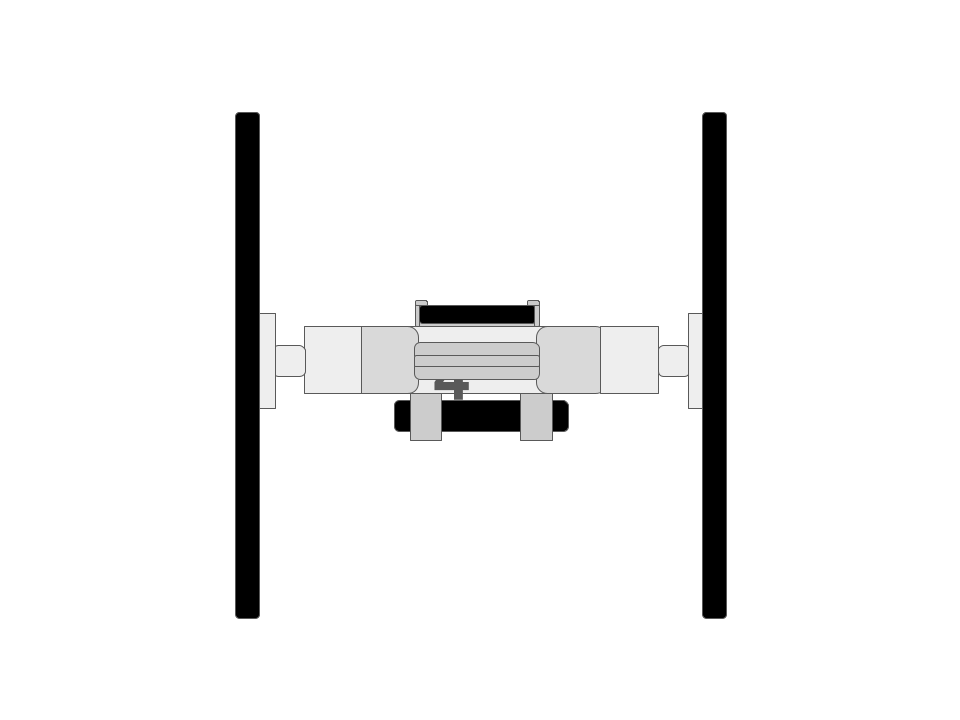
Top view: the monitors in the parallel position, facing opposite directions
Monitors — Parallel Position (top view)
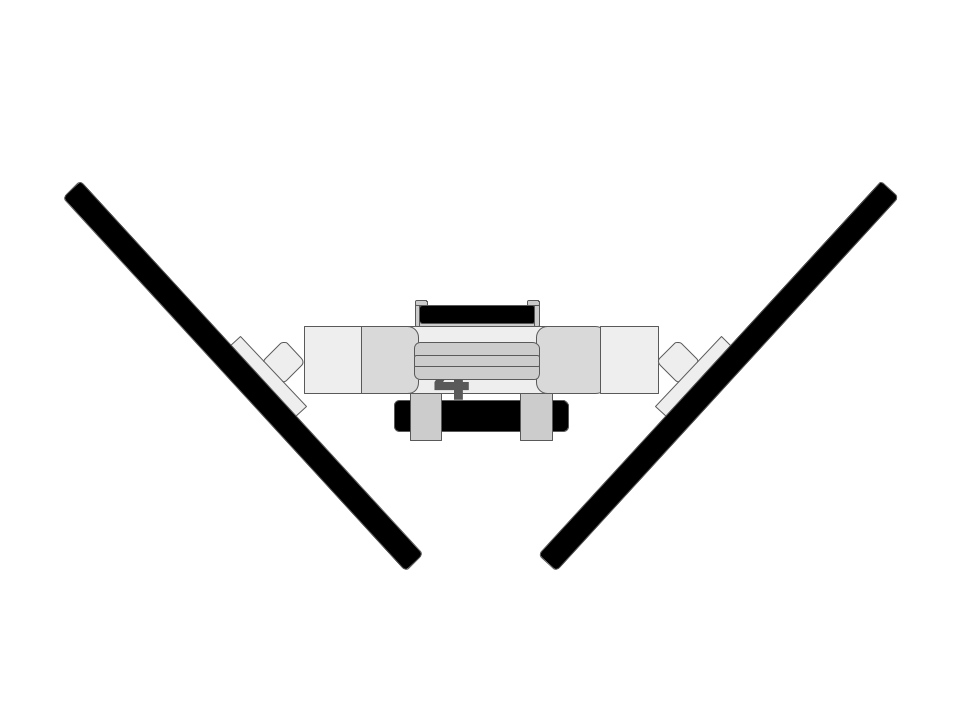
Top view: the monitors in the adjacent position, angled into a V
Monitors — Adjacent Position (top view)